


Table of Contents
Last updated: June 2026
Internal SSD (Solid State Drive) is a non-volatile semiconductor storage device that impacts workstation performance, infrastructure reliability, and energy efficiency of office devices. Unlike HDDs, it contains no mechanical components, which means lower failure rates and resistance to shocks during transport.
If you have read our guide “Which internal SSD to choose?”, you are already familiar with terms like TBW, MTBF, IOPS, or PCIe. This article does not explain how to choose, but answers the question what to buy and why. The ranking is based on bestsellers among Senetic customers and is divided into four sections: SSDs for desktops/workstations, SSDs for laptops, SATA SSDs, and enterprise SSDs for servers.
The SSD market is growing dynamically and is dominated by a few major players such as Samsung, Kingston, Micron, KIOXIA, and Western Digital. According to TrendForce, the total revenue of the top-5 manufacturers in the enterprise SSD segment increased by 28% in Q3 2025, reaching $6.54 billion. The growth is driven by the development of artificial intelligence. Data centres require vast capacities for storing and processing data for language models. This translates into two phenomena important for every IT manager planning to purchase SSDs: manufacturers are focusing on ever-larger capacities (enterprise drives now exceed 120 TB in a single enclosure), and the availability of popular models can be irregular, as hyperscalers (including Google, Microsoft, Amazon, Meta) purchase drives in advance. Planning SSD purchases several months ahead is becoming standard.
After reading this article, you will know which NVMe SSD to choose for new workstations, which M.2 model to replace the original drive in a corporate laptop, which enterprise SSD to choose for servers and arrays, and which SATA SSDs are still worth buying in 2026.
Ranking of SSDs for Desktops and Workstations
An SSD for a corporate computer or workstation must meet three criteria that a consumer PC does not require:
- documented durability (TBW, MTBF, warranty),
- compliance with IT department requirements (remote hardware AES-256 encryption, uniform model across the fleet),
- predictability of supply – replacing 50 or 200 stations requires that the same model be available for several months.
“Installing consumer SSDs into a server environment may be a bad idea because not all SSDs are created equal.”
Crucial Support Team / crucial.com
This principle applies not only to servers. It pertains to any device operating under constant, heavy load. Workstations used around the clock for rendering, code compilation, or virtualization place similar demands on the drive as a server. A cheaper consumer drive will wear out faster, so it is better to choose the right drive from the start than to pay for a replacement twice.
1. Samsung 990 EVO Plus 1 TB – MZ-V9S1T0BW
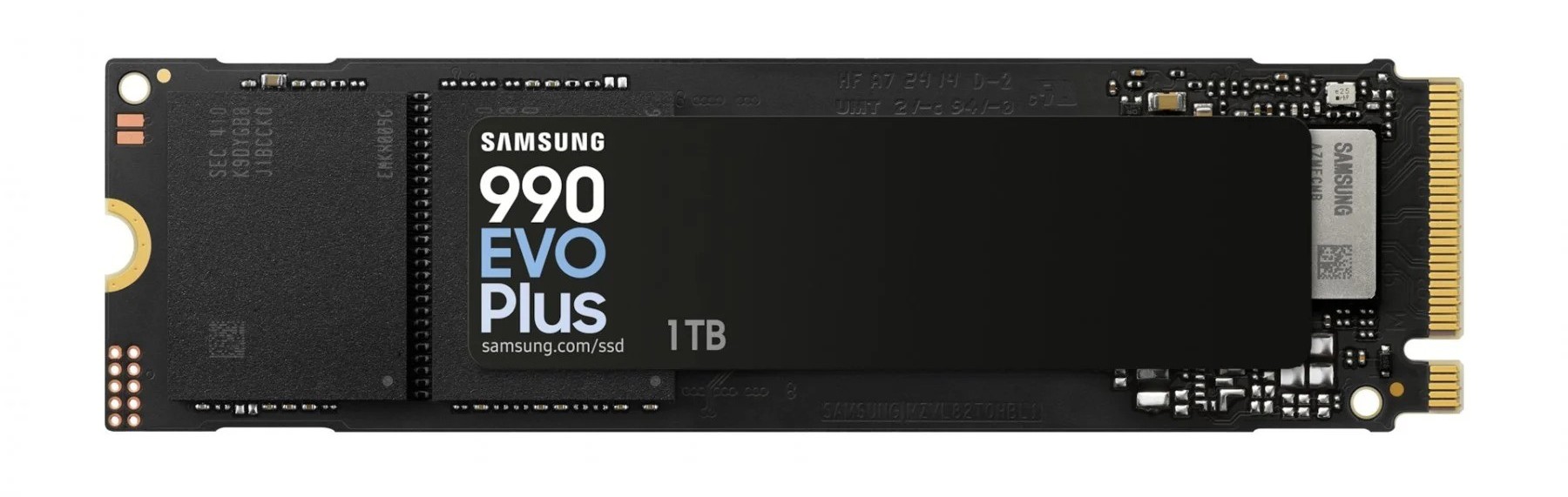
Samsung 990 EVO Plus 1 TB is recommended for companies processing sensitive data: personnel documents, financial data, medical information. Hardware AES-256 encryption with TCG Opal 2.0 standard means that the data is protected enough to meet strict GDPR requirements or internal security policies.
2. Crucial P510 2 TB with heatsink – CT2000P510SSD5
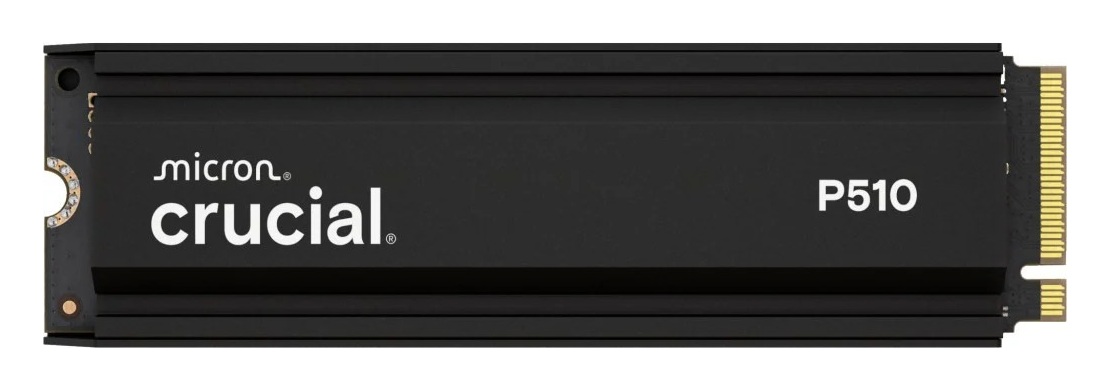
The Crucial P510 2 TB uses PCIe 5.0 and is designed for high-performance workstations. It achieves read speeds of up to 10.000 MB/s and 1.000.000 IOPS at random 4K read. A very efficient model designed for users working with CAD, 4K/8K video editing, or rendering. The heatsink protects against overheating during prolonged full-load operation.
3. Crucial P310 1 TB – CT1000P310SSD8
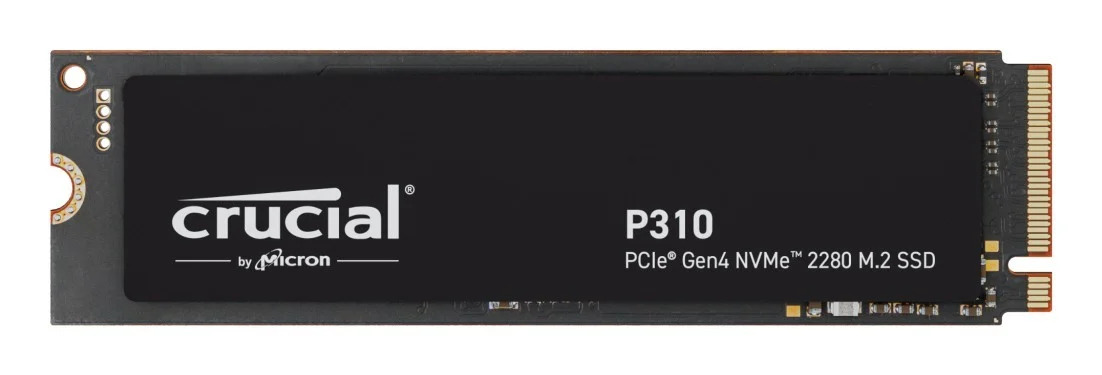
Crucial P310 1 TB is the most versatile model in the ranking. Good price-to-performance ratio for everyday office work. It will work well as a system drive in new corporate computers and when upgrading an existing fleet. PCIe 4.0 provides a noticeable improvement over older SATA drives without overpaying for parameters that an office user will not utilise.
4. Kingston Fury Renegade 2 TB – SFYRDK/2000G
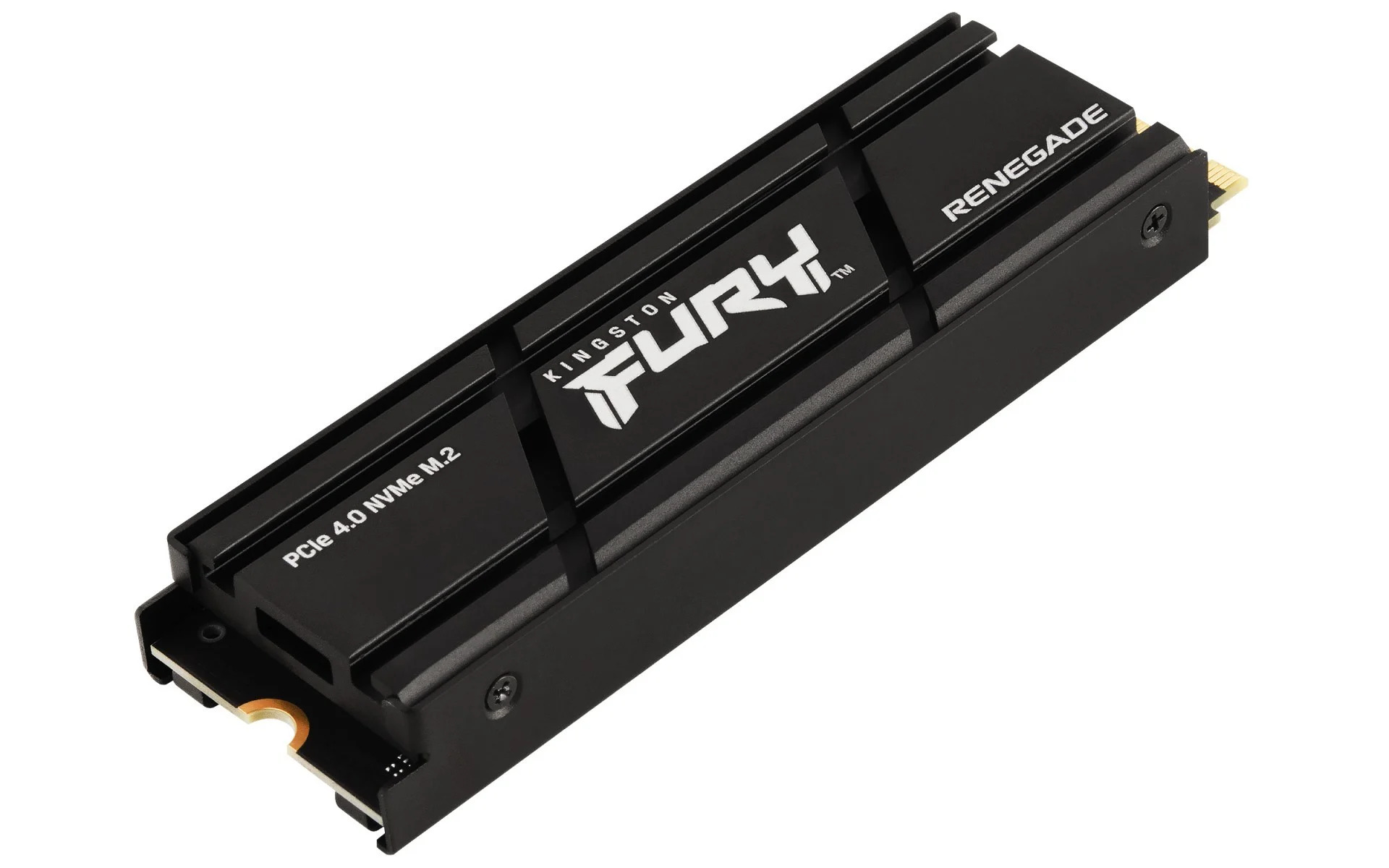
Kingston Fury Renegade 2 TB is a good choice for developers and administrators running virtualisation workloads. The 2 TB capacity allows for running several virtual machines simultaneously without the risk of filling the drive. It achieves 1.000.000 IOPS for both random read and write (4 KB), ensuring system responsiveness even with many parallel tasks.
Ranking of SSDs for Corporate Laptops
Replacing or upgrading the SSD in a corporate laptop is an operation that the IT department regularly performs throughout the year in a company with a fleet of 50-500 mobile devices: after a failure, when an employee switches to heavier software, or when the original factory-installed drive turns out to be too small. When choosing a drive for a laptop, it is worth checking three things:
- physical size – not every M.2 drive fits every laptop. Business models like ThinkPad or Dell Latitude often require a specific connector size,
- operating temperature – in a thin laptop without a heatsink, an overly efficient drive will overheat and automatically slow down, so it is worth looking for models with low power consumption,
- encryption – the drive must support hardware AES-256 encryption with TCG Opal 2.0 standard, compliant with corporate security policy. This ensures compatibility with popular disk encryption tools such as BitLocker (Windows) or FileVault (macOS).
1. Samsung 990 PRO 2 TB – MZ-V9P2T0BW
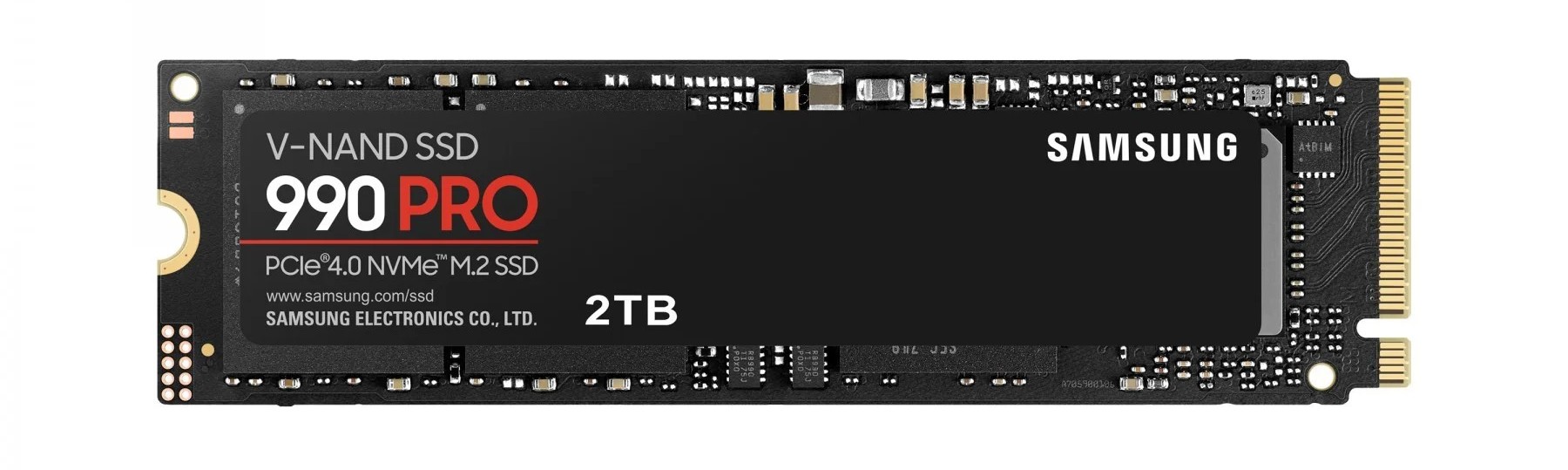
Samsung 990 PRO is a premium model suitable for both business laptops and desktops. Read speeds of up to 7450 MB/s and MLC NAND memory provide speed and higher durability than standard TLC drives, making it a good choice for mobile workstations for designers and architects working with CAD/BIM files in the field, as well as data analysts’ laptops processing large datasets locally in Python or R.
2. Kingston KC3000 512 GB – SKC3000S/512G
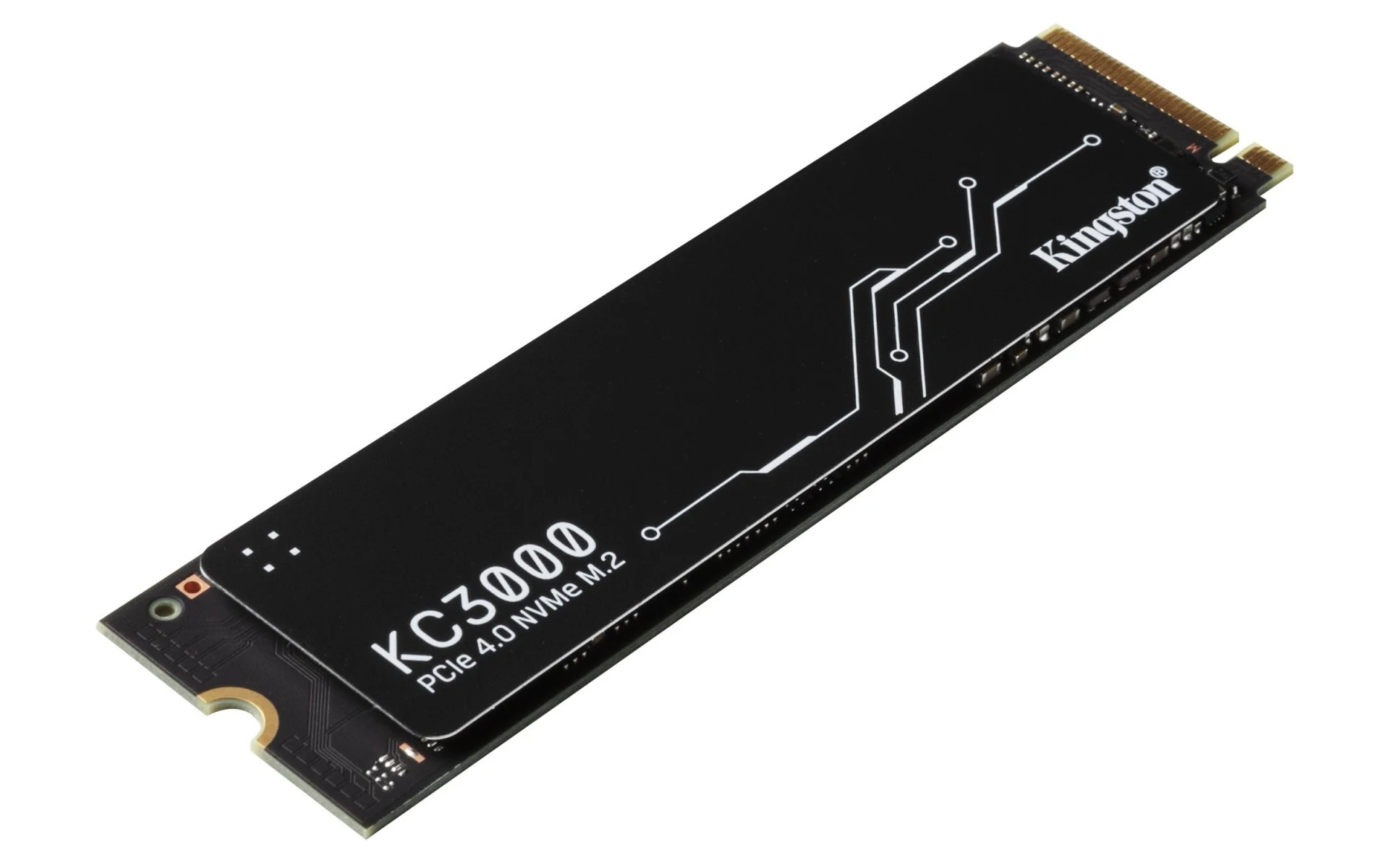
Kingston KC3000 512 GB is a proven PCIe 4.0 NVMe drive in B2B environments for corporate laptops requiring reliability. 7000 MB/s read speed with 3D TLC NAND. A good choice for companies valuing stability and a long availability cycle for the model.
3. Kingston NV3 2 TB – SNV3S/2000G
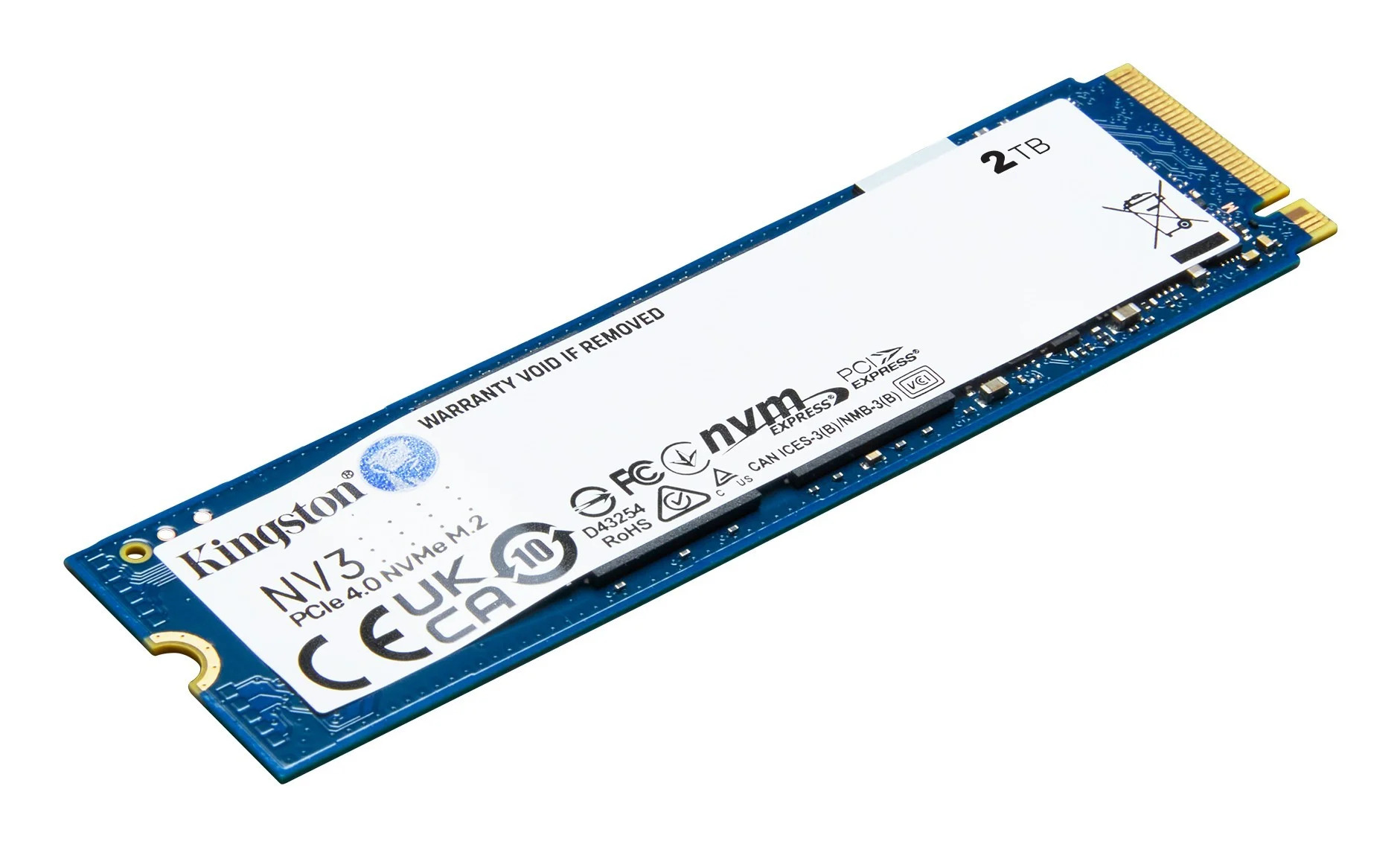
Kingston NV3 2 TB is the choice when capacity at a low price is a priority, rather than peak performance. 2 TB eliminates the risk of filling the drive during the device’s lifecycle – a good option for workstations that store a lot of data locally but do not require high IOPS.
4. WD Blue SN5100 1 TB – WDS100T5B0E-00CPE0
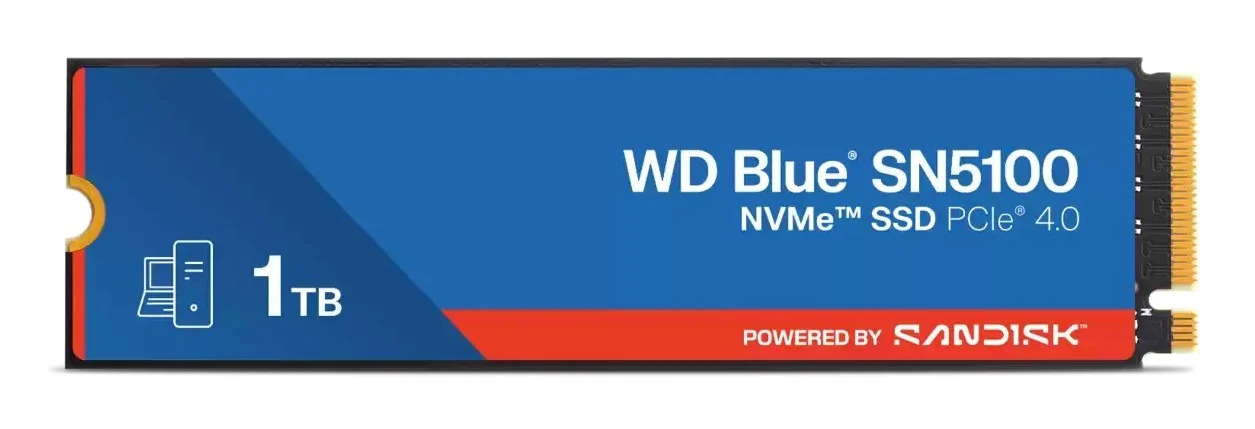
WD Blue SN5100 1 TB is recommended for laptops that actually work under load – read speeds of up to 7100 MB/s and nCache 4.0 technology translate into responsiveness when working with multiple applications simultaneously. The M.2 2280 format and low power consumption facilitate installation in thin business models without a heatsink.
Ranking of SSDs for Servers
Enterprise-class SSDs are a completely different class of product than consumer drives. These drives are designed to operate 24/7 under constant load. Three parameters that distinguish a server drive from an office drive:
- DWPD (Drive Writes Per Day) – indicates how many times per day the full capacity of the drive can be written. Consumer SSD: 0.1-0.3 DWPD. Enterprise mixed-use: 1-3 DWPD.
- Power Loss Protection (PLP) – built-in capacitors ensure that in the event of a power failure, data will not be lost. Required in databases and virtualisation environments.
- Interface and Form Factor – in new servers, NVMe drives in U.2 or U.3 connectors (a physical format dedicated to servers, allowing for drive replacement without shutting down the server) or in M.2 format are standard. SATA enterprise is still used as a system drive and in entry-level arrays.
1. Kioxia CD8-R 3.84 TB – KCD8XRUG3T84
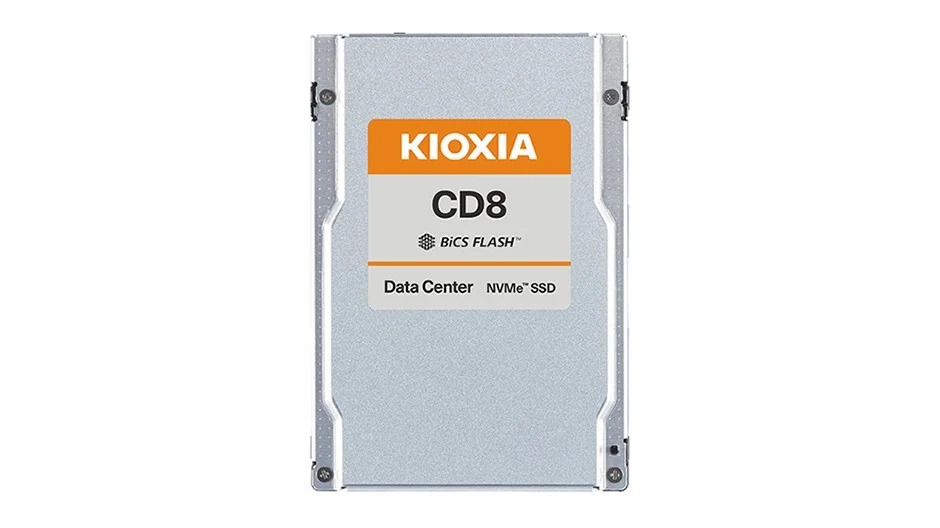
Kioxia CD8-R 3.84 TB enterprise SSD U.2 NVMe PCIe 4.0 designed for servers where read dominates over write: file servers, backup systems, data warehouses. It achieves read speeds of up to 7200 MB/s and 1.250.000 IOPS at random 4K read. 1 DWPD, covered by a 5-year warranty.
2. Kingston DC600M 480 GB – SEDC600M/480G
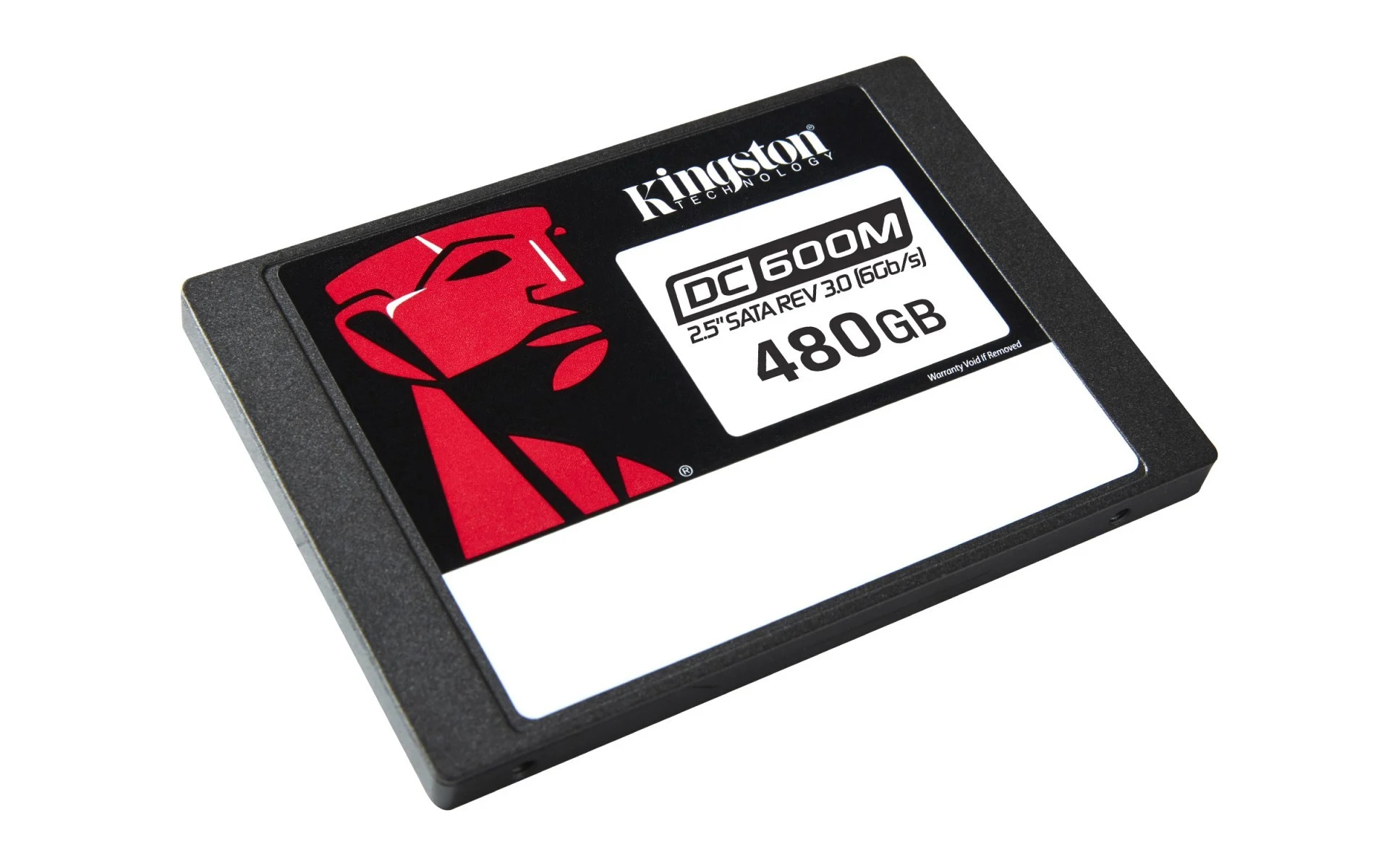
Kingston DC600M 480 GB enterprise SATA with PLP will be an excellent choice for Dell PowerEdge, HPE ProLiant, Lenovo ThinkSystem servers. 1 DWPD for 5 years, AES-256. A good choice when the server does not require NVMe, and reliability and cost are priorities.
3. Kingston DC3000ME 7.68 TB – SEDC3000ME/7T6
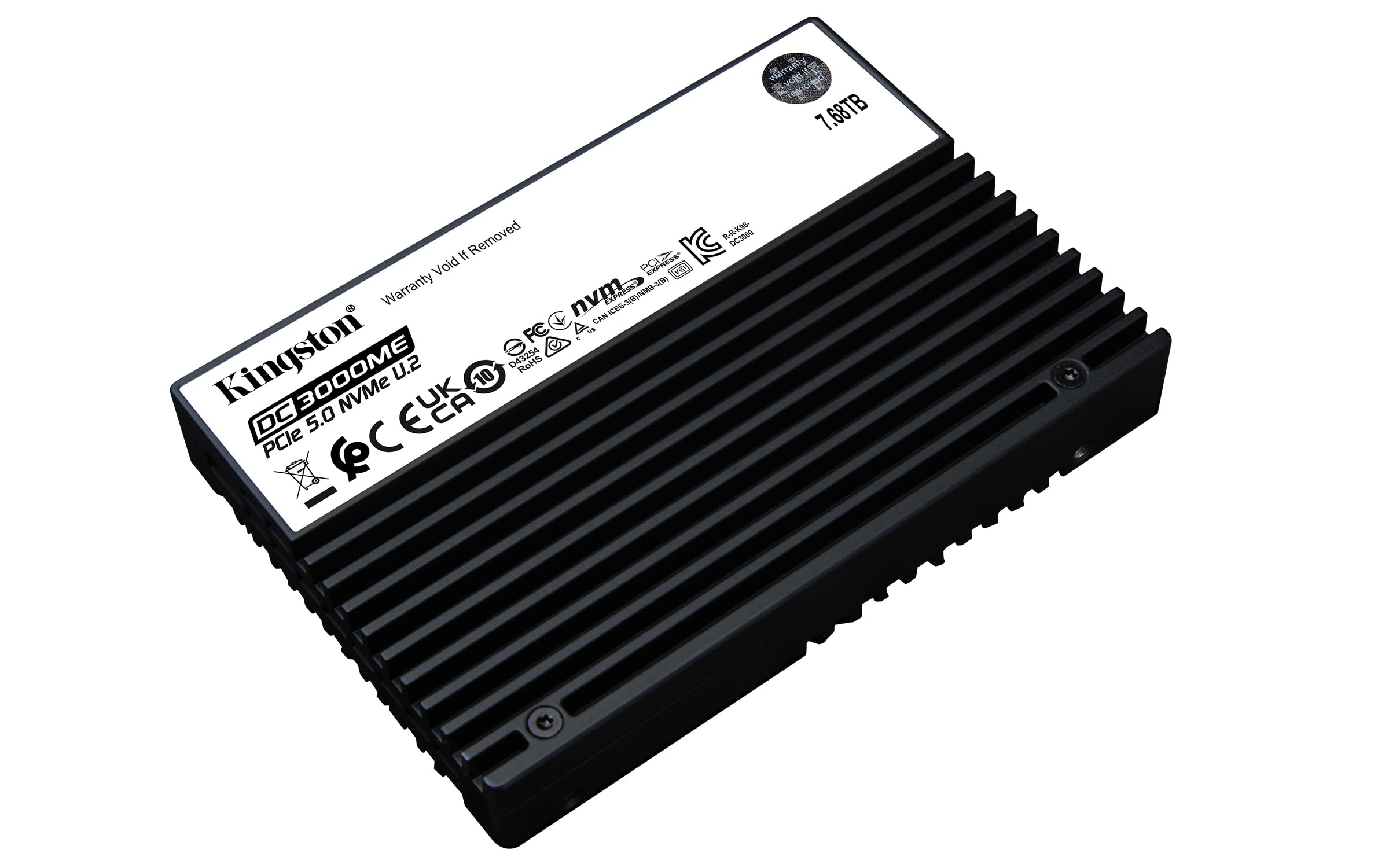
Kingston DC3000ME with a capacity of 7.68 TB is ideal for environments requiring large NVMe storage in a single drive. Read speeds of up to 14.000 MB/s, write speeds of up to 10.000 MB/s, and 2.800.000 IOPS at random 4K read. 14,016 TBW and 1 DWPD, covered by a 5-year warranty. A good choice for servers with a limited number of slots supporting virtualisation, OLTP databases, and AI inference environments.
4. Micron 7500 PRO 960 GB – MTFDKCC960TGP-1BK1DABYYR
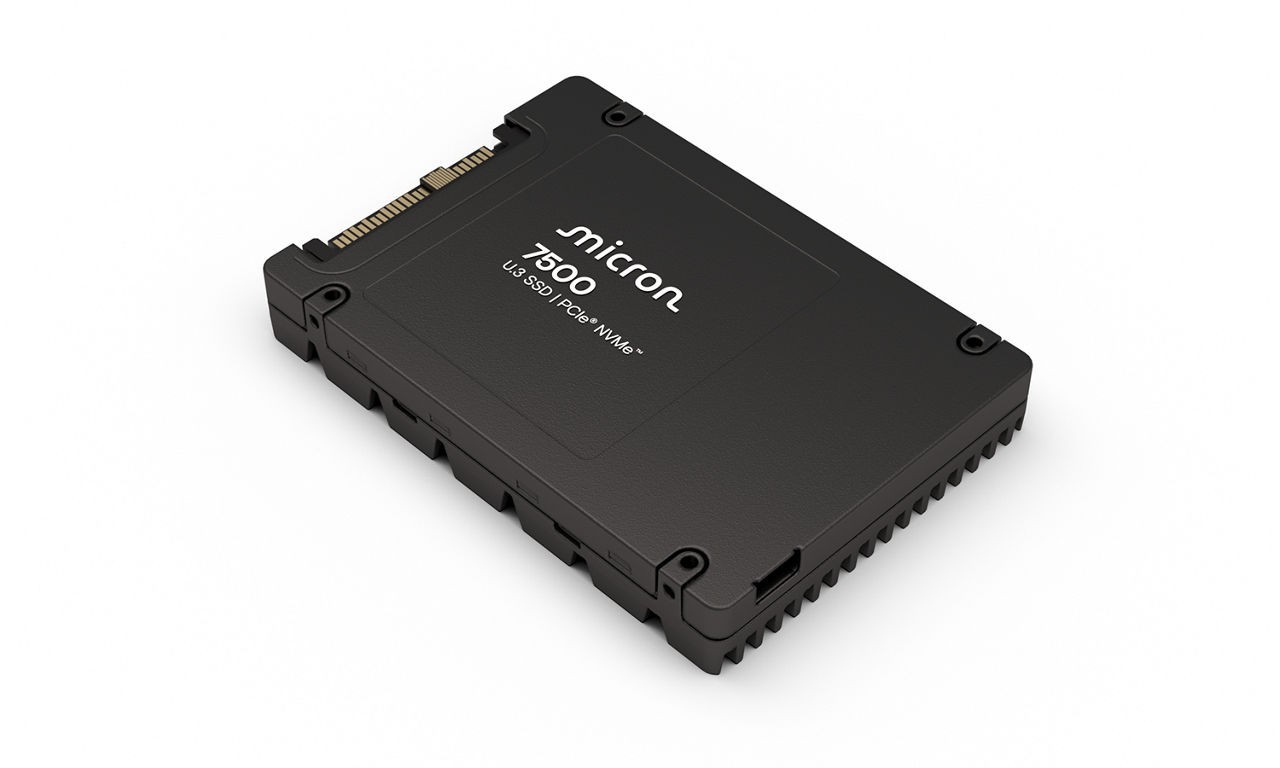
Micron 7500 PRO 960 GB is an enterprise NVMe U.3 PCIe 4.0 designed as a system drive for servers or storage in environments requiring higher write intensity. Read speeds of up to 6800 MB/s, 1 DWPD, covered by a 5-year warranty, AES-256 encryption. The U.3 2.5″ format ensures compatibility with Dell PowerEdge, HPE ProLiant, and Lenovo ThinkSystem backplanes and allows for drive replacement without shutting down the server.
Ranking of SATA SSDs
Although NVMe dominates in new implementations, SATA SSDs are better suited for four scenarios: upgrading older office equipment without an NVMe slot, replacing a drive in an older corporate laptop with a SATA interface, NAS disk arrays in SMB environments, and as a system drive in entry-level servers typical for small and medium-sized enterprises.
1. WD Red SA500 2 TB – WDS200T2R0A-68CKB0
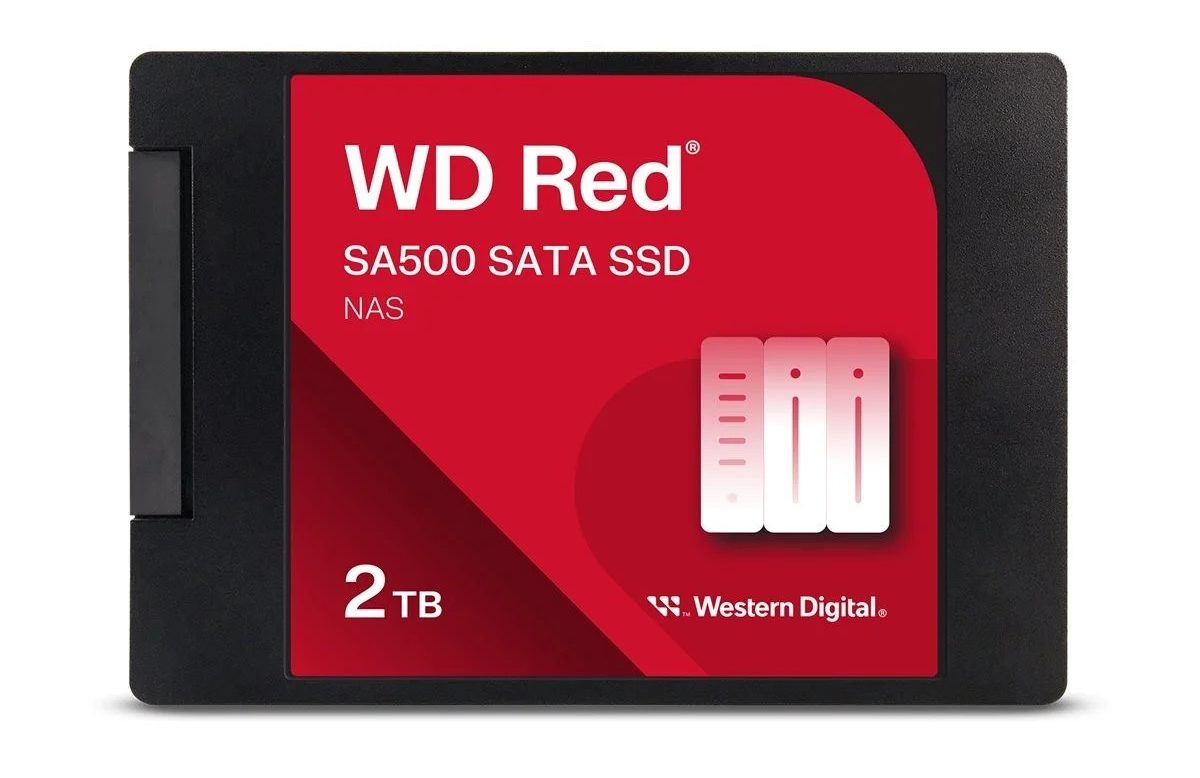
WD Red SA500 2 TB dedicated for NAS disk arrays operating in 24/7 mode. It offers read speeds of up to 560 MB/s and write speeds of up to 520 MB/s, with an MTBF of 2 million hours. A very good choice for Synology, QNAP, and other SMB-class NAS arrays.
2. Crucial BX500 4 TB – CT4000BX500SSD1
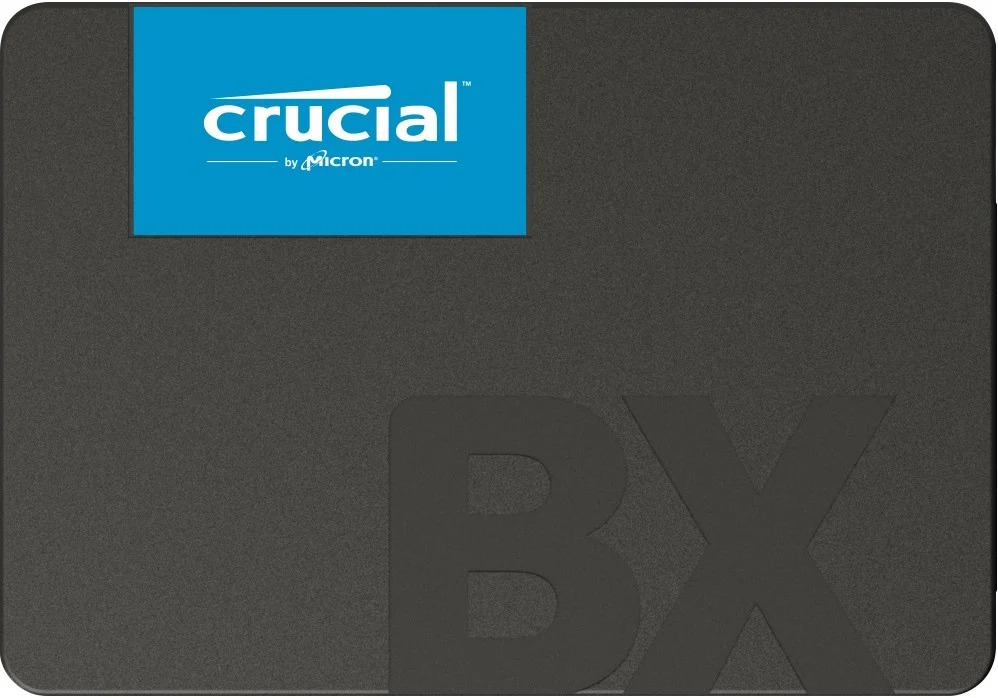
Crucial BX500 is recommended for companies that need maximum SATA capacity in a single drive. 4 TB in a 2.5″ format is an ideal solution when large disk space is needed without the expenses of NVMe. 3D NAND ensures stable operation during everyday office use.
3. Goodram CX400 gen.2 512 GB – SSDPR-CX400-512-G2
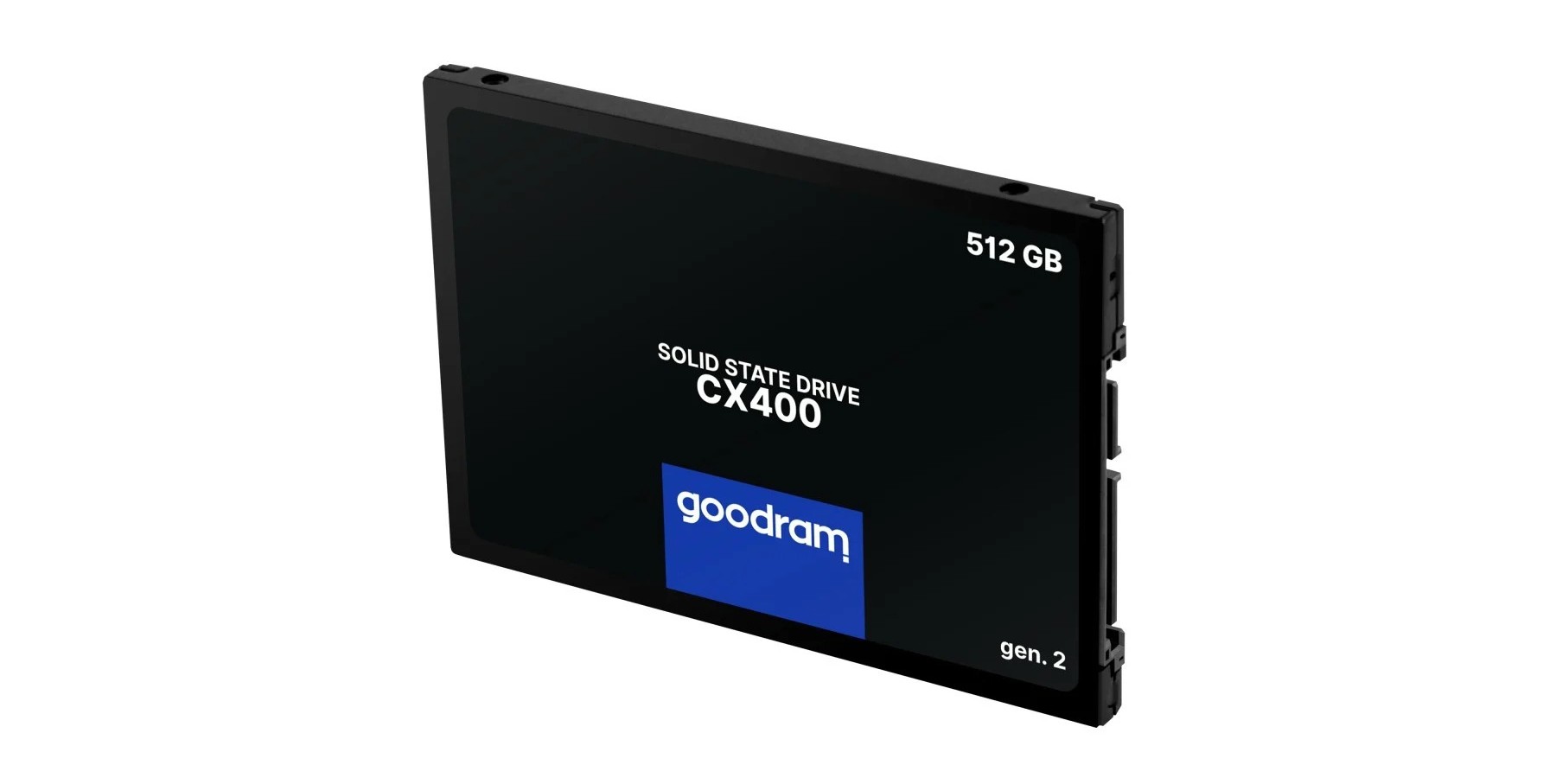
Goodram CX400 gen.2 512 GB is a Polish brand offering a drive with a good price-to-performance ratio when replacing HDDs with SSDs in older office equipment. Read speeds of up to 550 MB/s and write speeds of up to 500 MB/s provide a noticeable improvement over the platter drive at a low upgrade cost.
4. WD Ultrastar SA210 1 TB – SDSSDH3-1T00-G26
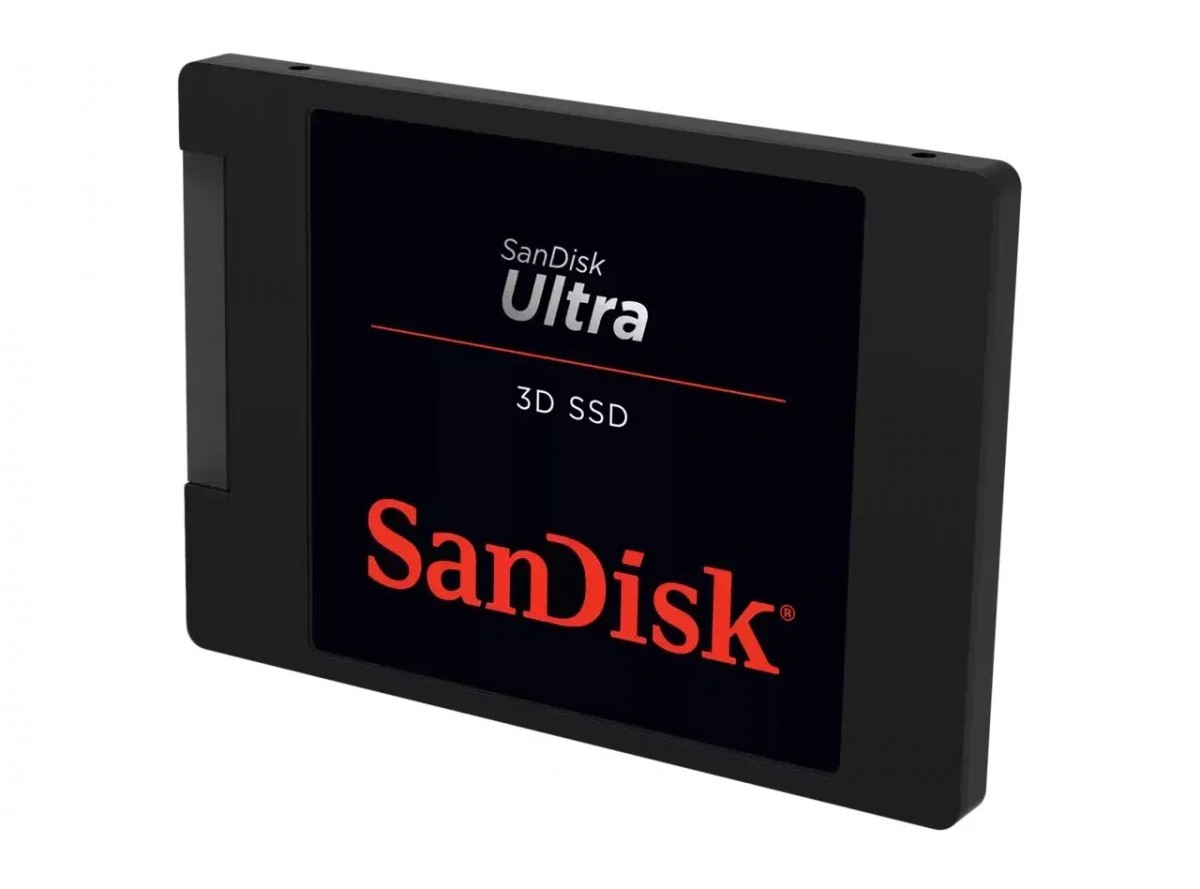
WD Ultrastar SA210 1 TB is an enterprise SATA 2.5″ drive for servers and workstations. Designed with a 5-year warranty covering 24/7 operation. A good choice as a system drive for a server or system drive in older workstations without an NVMe slot.
FAQ – Frequently Asked Questions
Does every SSD fit every computer?
No. The SSD must be compatible with the interface and form factor of the motherboard. Most new computers support M.2 NVMe (PCIe 4.0 or 5.0), while older models may only have a SATA or M.2 SATA slot. It is worth checking the motherboard specification or laptop documentation before purchasing.
How to replace a drive with an SSD and transfer all content?
Replacing a drive in a corporate laptop does not have to mean reinstalling the operating system. Drive manufacturers provide free data cloning tools, e.g., Samsung Data Migration, WD Acronis True Image, Kingston Migration Software. These tools allow you to transfer the entire system along with data and settings to the new medium.
Can an SSD be added to a laptop?
In most business laptops, yes, as long as the manufacturer has provided a second M.2 slot or a free SATA connector. Thin ultrabooks often have only one slot. Replacing a drive in corporate laptops (ThinkPad, Dell Latitude, HP EliteBook) is usually well documented by the manufacturer and does not require specialised equipment.
What SATA SSDs are recommended?
In the B2B environment, NAS or enterprise SATA drives are recommended. For NAS arrays, WD Red SA500 2 TB is suitable, for servers and workstations, WD Ultrastar SA210 1 TB. For companies needing large SATA capacity at an affordable price – Crucial BX500 4TB. For upgrading older office equipment on a low budget, we recommend Goodram CX400 gen.2 512 GB.
Is a SATA SSD suitable for laptops?
Yes, if the laptop has a 2.5″ SATA connector or an M.2 SATA slot. Many older business models do not support NVMe and require a SATA drive. Before purchasing, check whether the M.2 slot in the laptop supports SATA, NVMe, or both interfaces.
Which SSD is the least prone to failure?
Enterprise drives with certified durability (MTBF of 2 million hours or more) and Power Loss Protection. In the B2B segment, the least failure-prone models available from Senetic include: Samsung 990 PRO, Kingston DC600M, Kingston DC3000ME, and Micron 5400 PRO. A key parameter is TBW – the higher it is relative to the declared usage period, the more resistant the drive is to intensive use.
How many years do SSDs last?
With typical office use, an SSD with a TBW of 300-600 TB will last 5-7 years. Manufacturers usually provide a 5-year warranty on business models. In servers operating 24/7, durability depends on the DWPD rate – a drive with 1 DWPD, covered by a 5-year warranty is standard for mixed-use environments, where the server handles both read and write data in similar proportions, e.g., databases, virtualisation, application hosting.
What SSDs should be avoided?
In the B2B environment, avoid consumer drives without specified TBW or with TBW below 150 TB, drives without DRAM cache memory in applications requiring high IOPS, and models without hardware AES-256 encryption where GDPR or internal security policy is required.
Is a consumer SSD suitable for a server?
A consumer drive is not recommended for a server. An enterprise-class drive with Power Loss Protection, high DWPD, and a warranty for intensive use is needed for a server. Installing a consumer SSD in a server risks data loss during a power failure and rapid drive wear under constant load.
Which SSD is best for servers?
It depends on the application. For servers with virtualisation and databases, Kingston DC3000ME. For the system drive of a server and lighter applications, Kingston DC600M. For NAS arrays, WD Red SA500. The choice should be based on the required DWPD and the interface supported by the server.
You can find the full range of internal SSDs in the Senetic catalogue. Are you a reseller or IT integrator? Register on the Senetic B2B portal to gain access to wholesale prices, fast order fulfilment, after-sales support, and join the Loyalty Program full of additional benefits.
