


Table of Contents
The storm season is here. For businesses, this means real risks: power outages, voltage spikes, and surges that can damage IT equipment in an instant, erase unsaved data, or halt the operation of the entire organisation. In a B2B environment, every unplanned failure is not just a technical problem – it hits the bottom line. The solution is an uninterruptible power supply (UPS).
That’s why we took a closer look at the offerings of APC by Schneider Electric, a global leader in uninterruptible power supplies. We’ve picked seven models from their lineup that cover businesses of every size – from small offices to large server rooms.
In this guide, we explain how to choose the right UPS for your needs. We will advise you on the differences between individual models, what to pay attention to when selecting, and which UPS best fits your environment.
APC by Schneider Electric – leader in power protection
Schneider Electric is a global manufacturer of energy management and automation solutions, present in over 100 countries. The company combines IoT technologies, artificial intelligence, and advanced software to ensure the continuity of operations for buildings, data centres, industrial plants, and critical infrastructure.
In 2007, Schneider Electric acquired the APC brand, becoming a global leader in uninterruptible power supplies. Today, APC by Schneider Electric solutions protect IT infrastructure at every scale, from home routers to large data centres.
What is a UPS and what is it used for?
A UPS (Uninterruptible Power Supply) is a device that protects electronic equipment from two threats: power outages and voltage fluctuations in the network. The UPS has a built-in battery and is placed between the socket and the connected equipment.
When the power from the socket is stable, the UPS charges the battery and operates in the background. When the power goes out or the voltage spikes suddenly, it immediately takes over power from the battery before the connected equipment notices.
This is particularly important during the storm season, when storms, lightning strikes, and network overloads occur more frequently and, unfortunately, are one of the main causes of damage to electronic equipment.
How does a UPS work in practice:
- The computer, server, or router does not shut down abruptly during a failure
- You gain time to save your work and safely shut down the system
- The equipment is protected from voltage spikes and drops that can damage electronics
Modern UPS systems work with software that monitors battery status and load, and automatically and safely shuts down IT systems when the battery starts to run low.
In the APC by Schneider Electric offer, you will find models tailored to every application – from compact Back-UPS for home and small office use, through Smart-UPS for corporate server rooms, to advanced three-phase systems for data centres and industry.
Before we dive in, two terms worth knowing: AVR and SmartConnect. Both come up across the product descriptions below.
AVR – Automatic Voltage Regulation
The nominal power from the socket is 230V, but in practice, it constantly fluctuates. This is caused by storms, network overloads, or the switching on of large devices nearby. These fluctuations fall into two types:
- Surge – voltage rises above the norm (e.g., to 250–280V)
- Voltage drop – voltage falls below the norm (e.g., to 170–200V)
Both are harmful to electronic equipment.
What does AVR do? AVR automatically corrects the voltage without resorting to the battery. When the voltage drops, AVR boosts it. When it rises too much, AVR suppresses it. Equipment connected to a UPS with AVR always receives stable ~230V.
Why is this important for the battery? A UPS without AVR handles fluctuations in only one way: it switches to battery power. Every fluctuation in the network is an additional discharge cycle. A UPS with AVR only resorts to the battery in the event of a serious power failure, so the battery lasts longer.
In the storm season, this is particularly significant: frequent voltage spikes throughout the summer can wear out the battery in a UPS without AVR even twice as fast as normal.
SmartConnect – free cloud monitoring of the UPS
SmartConnect is a built-in APC service that allows you to monitor the status of the UPS over the internet – from anywhere, via a browser or mobile app. Just connect an Ethernet cable and register the device. No extra charge.
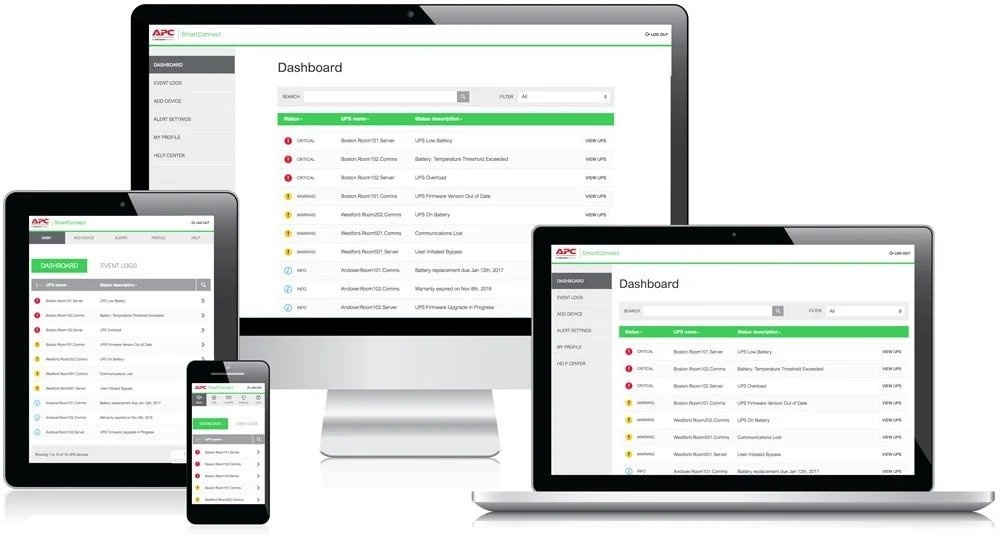
What does it provide in practice:
- Real-time view of voltage, load, and battery status
- Email or push alerts for power failures or low battery levels
- Battery replacement prediction before failure occurs
- Remote firmware updates without a visit to the server room
For the administrator, this means one thing: you know what is happening with the power in the office at any time, without leaving home.
SmartConnect vs SNMP card – what’s the difference?
SmartConnect is convenient daily monitoring via the cloud. The SNMP card is a tool for larger environments where the UPS must automatically shut down dozens of virtual machines before the battery runs out. In serious installations, both are used simultaneously.
Now that we know the key features, let’s move on to the overview of available UPS models.
Uninterruptible Power Supplies for Business
What distinguishes uninterruptible power supplies? The differences between the UPS series from Schneider Electric relate to functionality, output voltage shape, management, and warranty class. Choosing a model without knowing these differences often results in either overpaying or getting a UPS that is incompatible with our equipment. In this guide, we will compare models in ascending order of sophistication:
- BE650G2-GR
- BX750MI-GR
- BK500EI
- BR650MI
- SMT750IC
- SMT1500IC
- SMT1500RMI2UC
The natural division into three market segments is as follows:
- The first two models – BE650G2, BX750MI – serve Home Office or Small Office (SOHO).
- Models BK500EI and BR650MI are Back-UPS Pro for small businesses.
- For server rooms or IT rack cabinets, we choose only Smart-UPS SMT, e.g., SMT750IC for a single server, SMT1500IC or SMT1500RMI2UC for a server plus switch plus router setup.
What to pay attention to when choosing an uninterruptible power supply (UPS)?
- type of equipment,
- total power consumption,
- required backup time,
- power reserve of 20-30%,
- not exceeding 80% efficiency of the UPS.
Overview of UPS from APC by Schneider Electric
BE650G2-GR – the cheapest entry point for home use
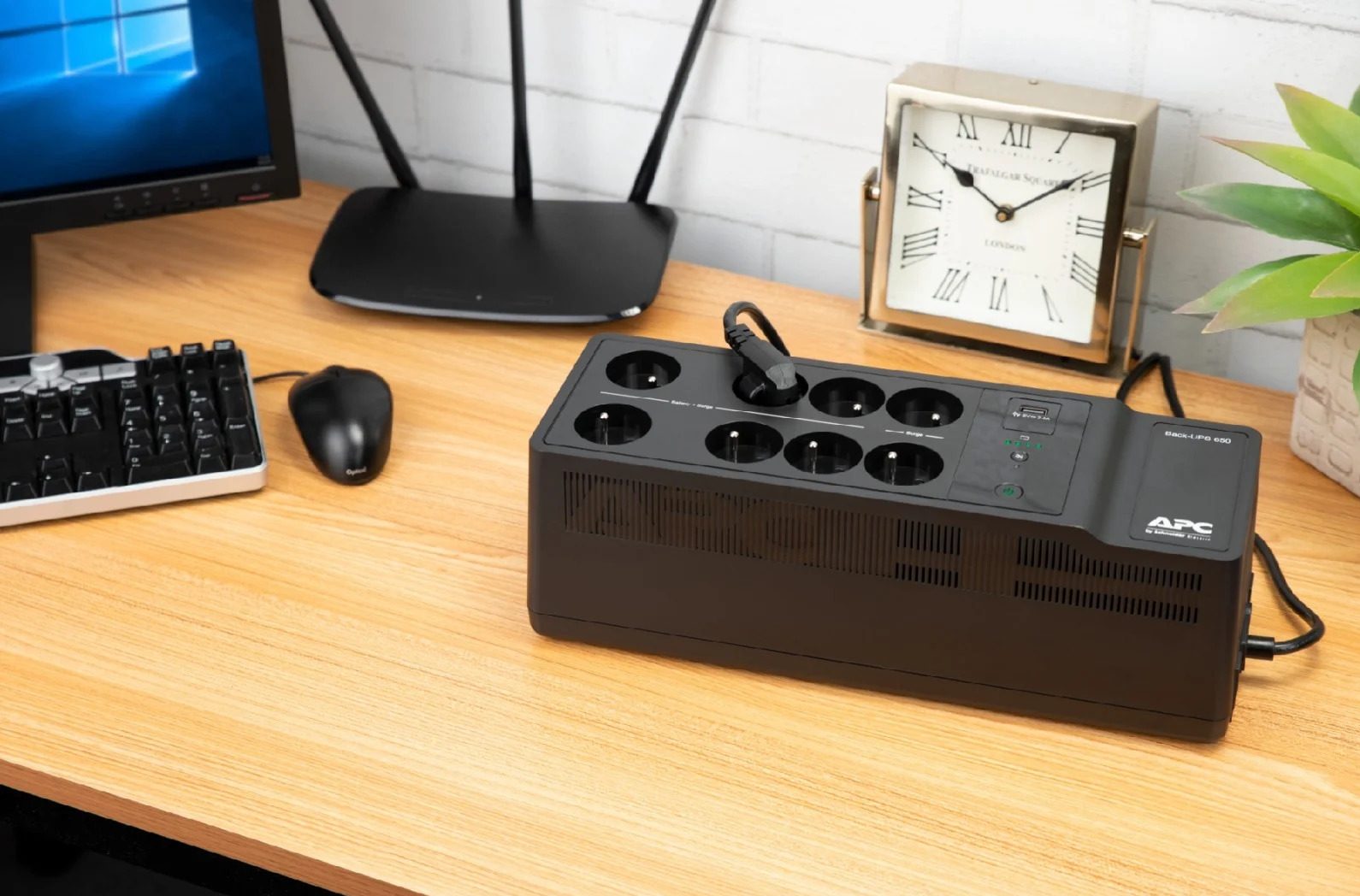
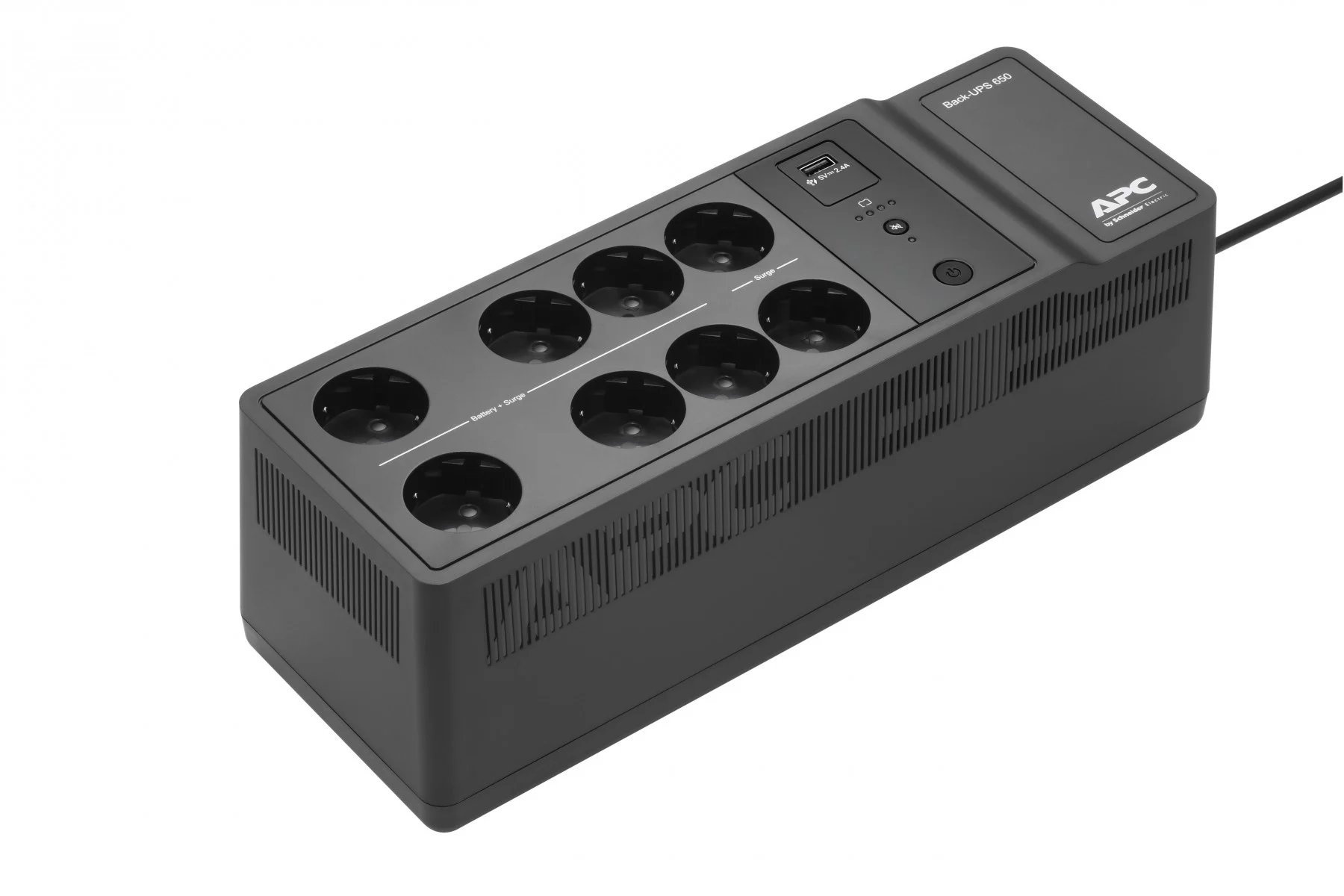
APC Back-UPS ES 650VA is a compact, classic, and simplest offline/standby UPS without AVR. The lack of AVR means that with every voltage fluctuation, the UPS switches to battery power, which accelerates its wear.
650VA/400W is sufficient for an office computer, LED monitor, router, and cable modem. A distinguishing feature is as many as 8 network sockets. The battery can be replaced by the user while in operation.
Best for: For simple protection of a home PC, router, or modem when low price is a priority.
BX750MI-GR – classic SOHO with network protection
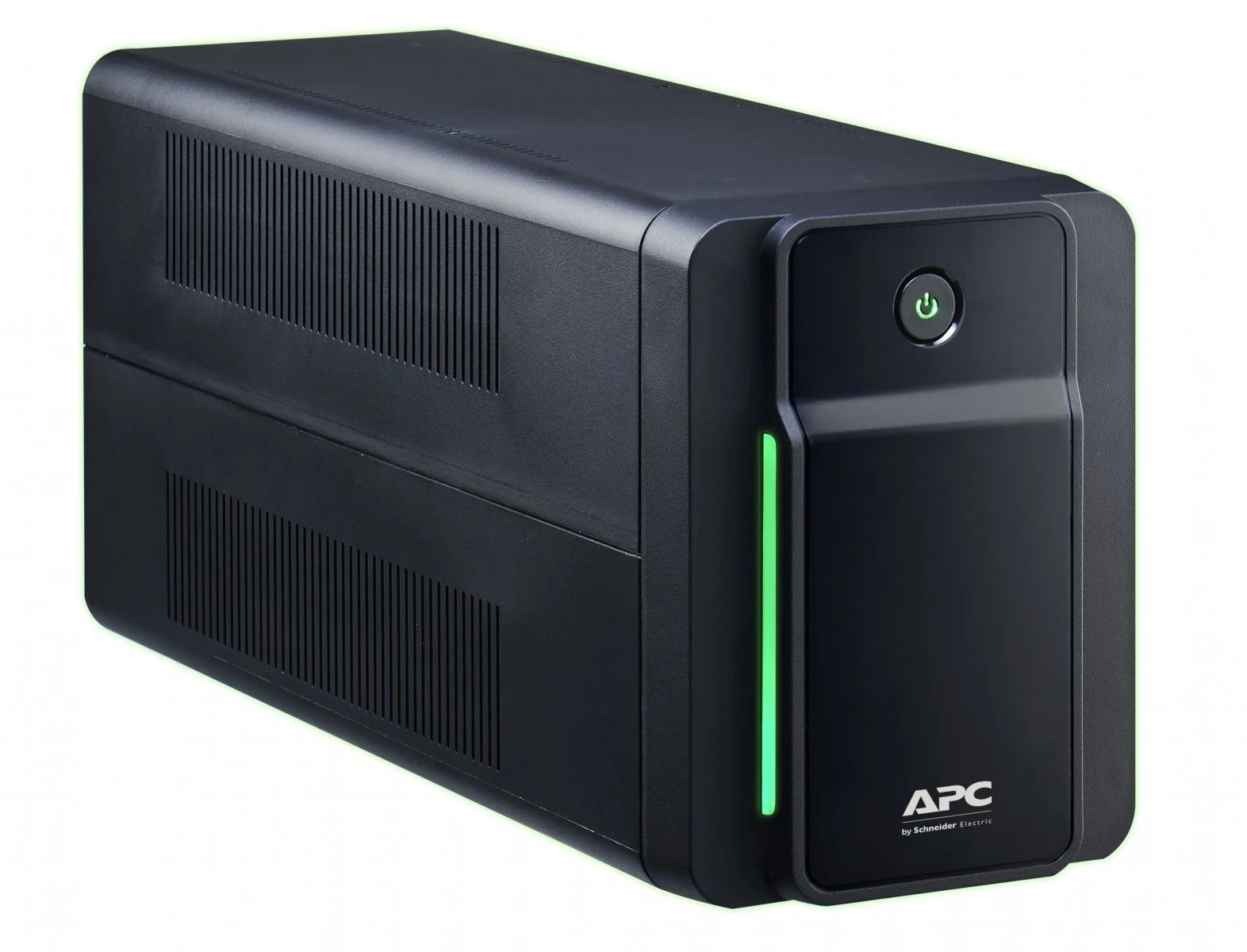
BX750MI is a basic UPS with two important features: AVR and network cable protection. This means that the UPS protects equipment from surges on the power cable and through the network cable.
- AVR means that the UPS automatically smooths out voltage fluctuations without touching the battery. The battery lasts longer, and the equipment is better protected.
- RJ-45 protection means that the Ethernet network cable also passes through the UPS. A surge from a storm will not reach the equipment either through the power supply or the network.
- With a power of 750VA, it is sufficient for a computer with a monitor and router. In the event of a power failure, it provides about 8–10 minutes to calmly save work and shut down the system.
Best for: Home office or small office where the computer is connected by cable to a router or switch.
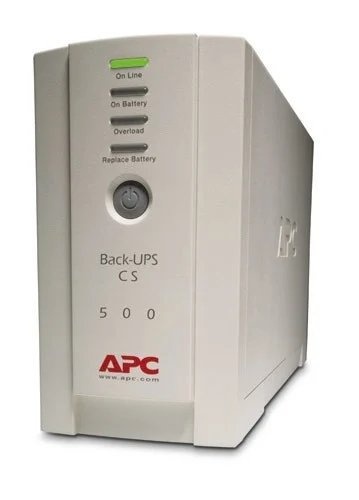
BK500EI Pro in a simplified version
BK500EI is a compact, budget UPS with AVR – simple protection without unnecessary extras.
With a power of 500VA, it handles a router, modem, small switch, or older computer. It protects equipment from voltage fluctuations from the network and provides a few minutes to safely shut down devices in the event of a power failure. The battery is replaceable.
An important thing to note before purchasing (similarly in the model below, BR650MI) is that it does not generate a pure sine wave output safe for all equipment, making it unsuitable for modern computers with 80 PLUS power supplies. Such setups require a Smart-UPS SMT.
Best for: For simple protection of a router, modem, NAS, or older office equipment when price matters more than additional features.
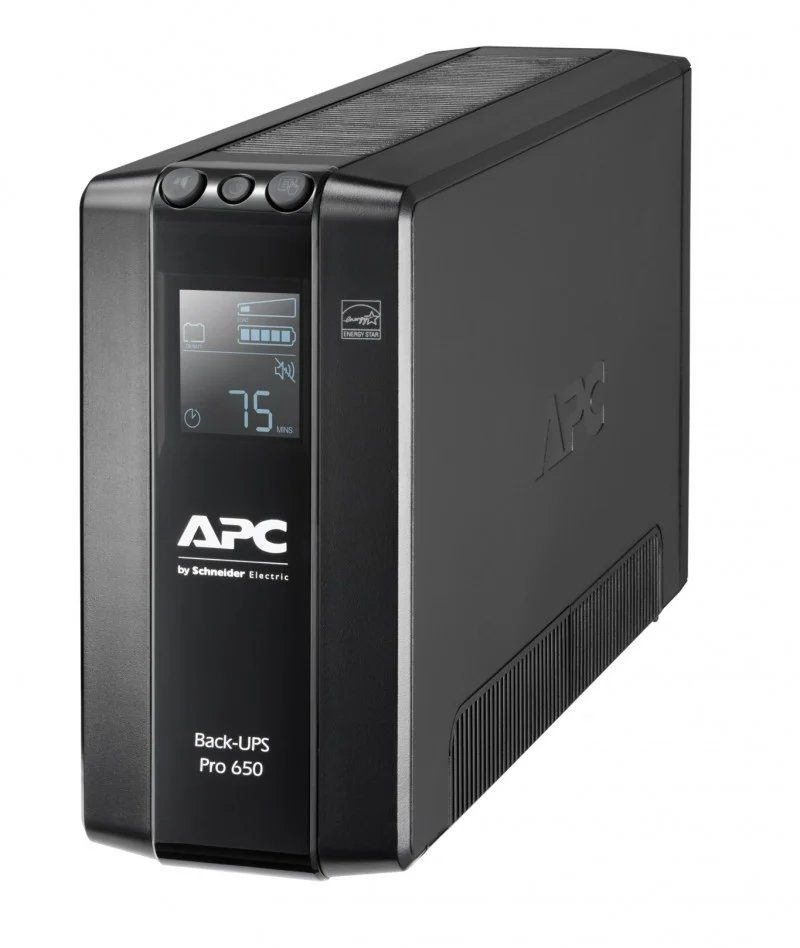
BR650MI – full Back-UPS Pro with LCD
BR650MI is the most advanced model from the Back-UPS Pro family. It has more sockets, an LCD display, and network cable protection in one device.
It has 6 IEC sockets: 4 with full battery protection and 2 with surge protection only, which is useful when you want to connect more equipment, but not everything requires backup. Equipped with AVR and RJ-45, it also protects the network cable from surges.
The USB port is used to connect to a computer and operate the PowerChute software.
Best for: For a small office, small server room, or an advanced workstation with older equipment.
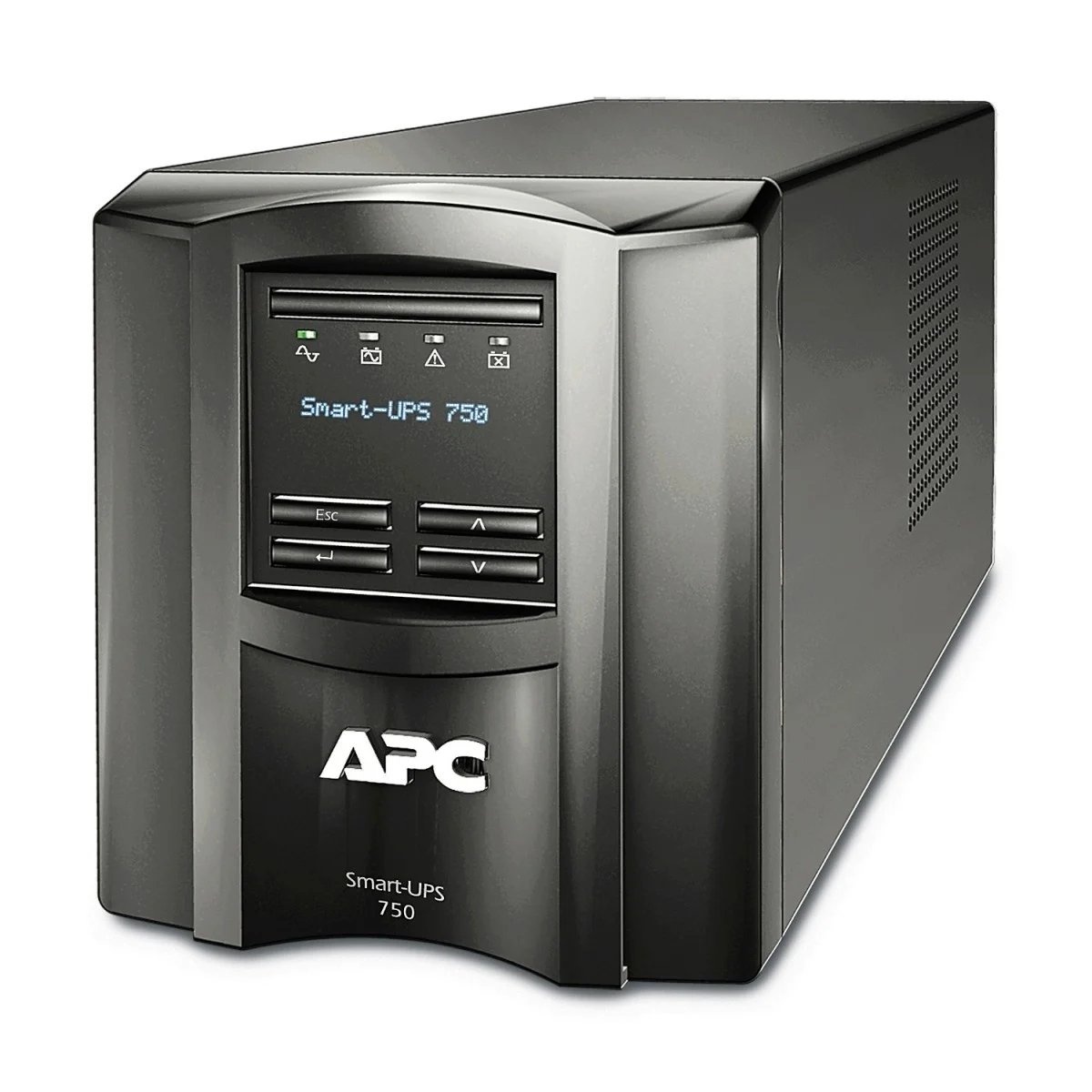
SMT750IC – entry point to the professional class
SMT750IC is the first model in the APC offer with a pure sine wave output, which means it is safe for all modern equipment, including servers and computers with 80 PLUS power supplies.
With a power of 750VA/500W, it is sufficient for a single server, workstation, or critical network equipment in a small business. It has AVR, an LCD display, built-in SmartConnect, and a hot-swap battery (it can be replaced without turning off the connected equipment).
Best for: For a small business server room, CAD workstation, or any place where equipment must operate continuously and requires full, professional power protection.
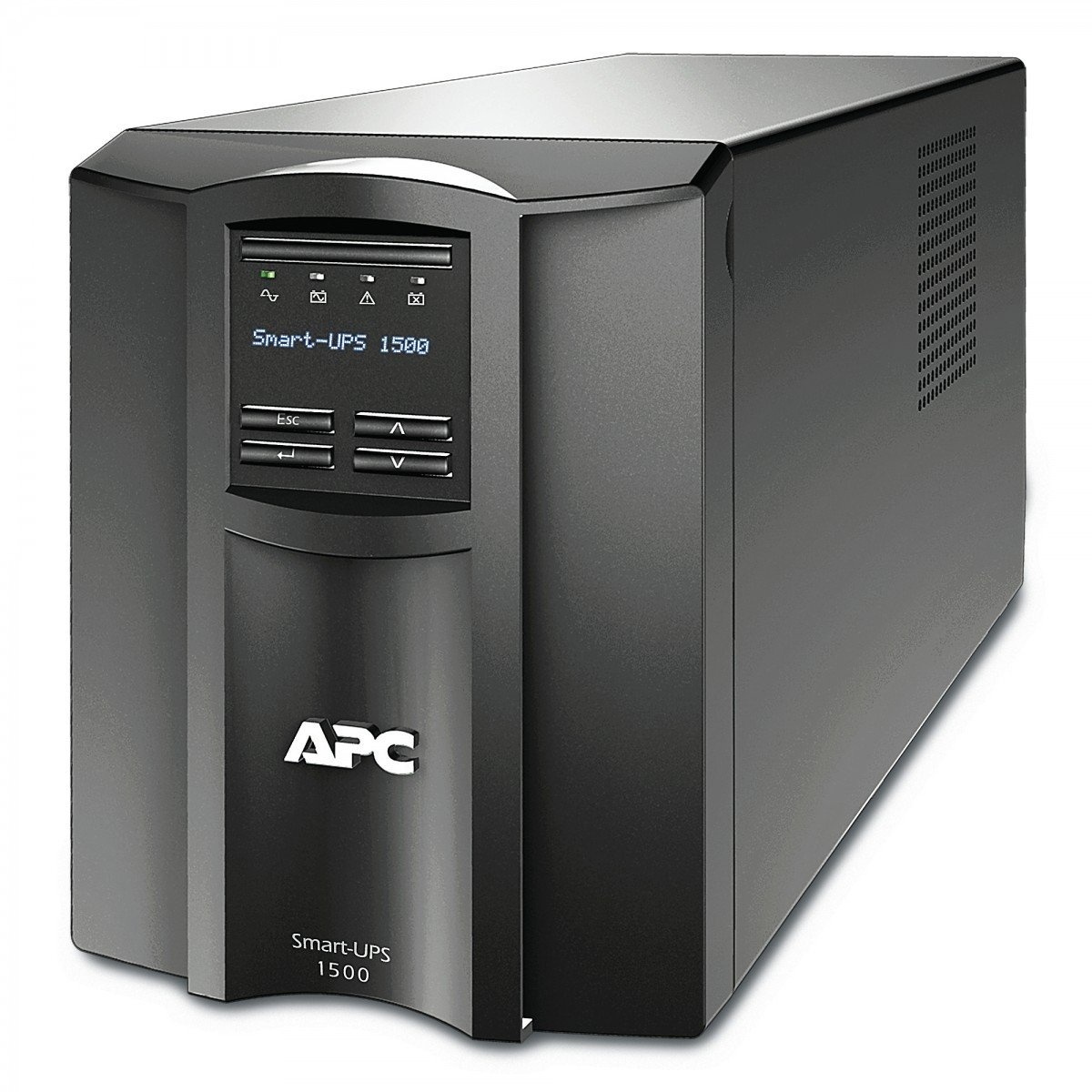
SMT1500IC – tower for small business server rooms
SMT1500IC is the more powerful sibling of SMT750IC. It has the same features but double the power and more sockets.
1500VA/1000W with 8 IEC C13 sockets can handle a server, switch, and router set simultaneously. Pure sine wave output, AVR, SmartConnect, and battery replacement without turning off equipment, just like in SMT750IC.
It adds one important feature not available in the smaller model: two independent groups of sockets. In the event of a long power failure, you can automatically turn off less critical equipment, such as a monitor or printer, to allow the server to run longer on battery.
At half load, it provides about 20 minutes of backup – enough time for a safe system shutdown.
Best for: For a small or medium business server room, where you protect several devices simultaneously and need assurance that the server will survive any power outage.
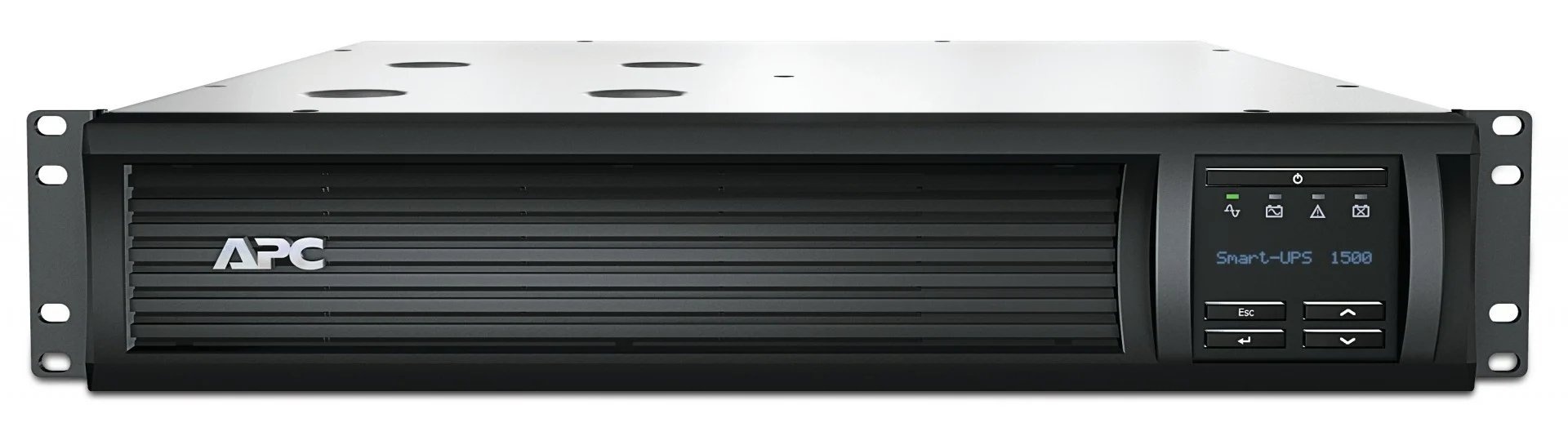
SMT1500RMI2UC – the same UPS in a rack mount case
SMT1500IC and SMT1500RMI2UC are exactly the same uninterruptible power supplies – they only differ in the casing.
Identical power, identical sockets, identical features, identical warranty. The only difference is the form: instead of a freestanding tower case, the SMT1500RMI2UC model is mounted in a 2U rack cabinet.
Best for: For any server room with a standard 19-inch rack cabinet, where the equipment is already mounted in the cabinet, it is natural for the UPS to be there with it.
Summary
The storm season comes every year and every year it destroys equipment that has not been properly protected. A good UPS is not an expense, it is an investment that pays off at the first serious power failure.
Choosing the right model comes down to one question: what are you protecting?
- Home office or simple network equipment – a Back-UPS BE650G2 or BX750MI is sufficient
- Small office with several workstations – a Back-UPS Pro BK500EI or BR650MI will work
- Server, rack cabinet, or critical IT infrastructure – opt for Smart-UPS SMT750IC, SMT1500IC, or SMT1500RMI2UC
All discussed models from APC by Schneider Electric can be found in the Senetic offer.
👉 See APC UPS at Senetic.co.uk
FAQ – Frequently Asked Questions
How to calculate which UPS to choose?
Sum the actual power consumption of all devices in watts (W), add a 20-30% reserve, and divide by the power factor of your model. The easiest way is to use the free UPS Selector Tool – just enter the list of devices, and the tool will select the appropriate model.
What battery capacity to choose?
It depends on the required backup time. A standard built-in battery is sufficient for safely shutting down the system. If you need longer protection, choose a Smart-UPS SMT model with the option to connect an external battery module (EBM).
What can be connected to the UPS?
- Computers,
- monitors,
- servers,
- routers,
- switches,
- NAS devices,
- VoIP phones,
- other IT devices.
Modern PCs with 80 PLUS power supplies and server equipment can also be connected to Smart-UPS SMT models.
What cannot be connected to the UPS?
- Laser printers,
- heating devices (heaters, kettles, cookers),
- vacuum cleaners,
- hair dryers,
- refrigerators.
Electric motors and heaters generate current spikes that can immediately overload and damage the UPS.
Does the UPS consume a lot of power?
No. In normal operation mode, the UPS consumes its own 5–45W depending on the model.
How long will the battery last in an emergency UPS?
Typically 3-5 years at a temperature of 25°C. Every 10°C above this norm halves the battery’s lifespan, which is why summer heat is the biggest enemy of UPS batteries. Batteries in all APC models are replaceable (RBC), and Smart-UPS SMT support replacement without turning off power (hot-swap).
Can the UPS be continuously connected to power?
Yes, the UPS is designed for continuous operation 24/7. When the power is stable, it keeps the battery fully charged without overcharging it. Disconnecting the UPS “when there is no storm” is a mistake and shortens the device’s lifespan.
How many hours can the UPS operate without power?
A standard UPS is a buffer time for safely shutting down systems, not a power generator. Approximate backup times at 50% load:
- Back-UPS ES/BV/BX: about 10-15 minutes
- Back-UPS Pro BR: about 10-14 minutes
- Smart-UPS SMT 750: about 14-16 minutes
- Smart-UPS SMT 1500: about 20-25 minutes
The time can be extended by adding external battery modules available for the Smart-UPS SMT series.
